No. 01

Quick Presentations

A new way to introduce your organization.

Whether you’re meeting guests, partners, or clients, your message is clear, interactive, and in your own style.


Using the interactive touchscreen tables of the conference system, organizations can present with precision and style, sharing presentations, documents, and rich media in a dynamic environment.

Every gesture brings your message to life.
The presenter’s workspace

Where structure meets control.


Presentations begin long before the first slide appears.


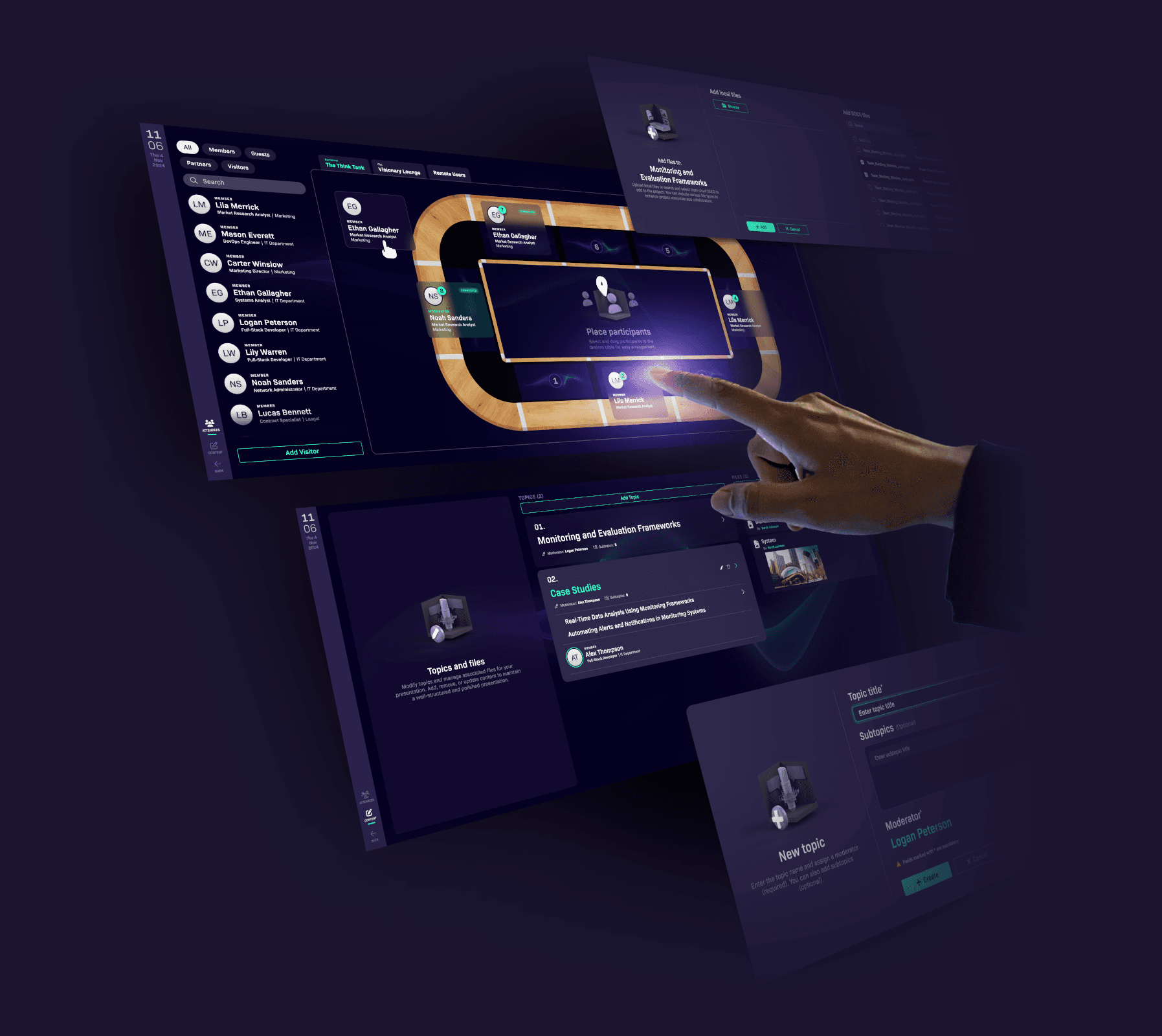
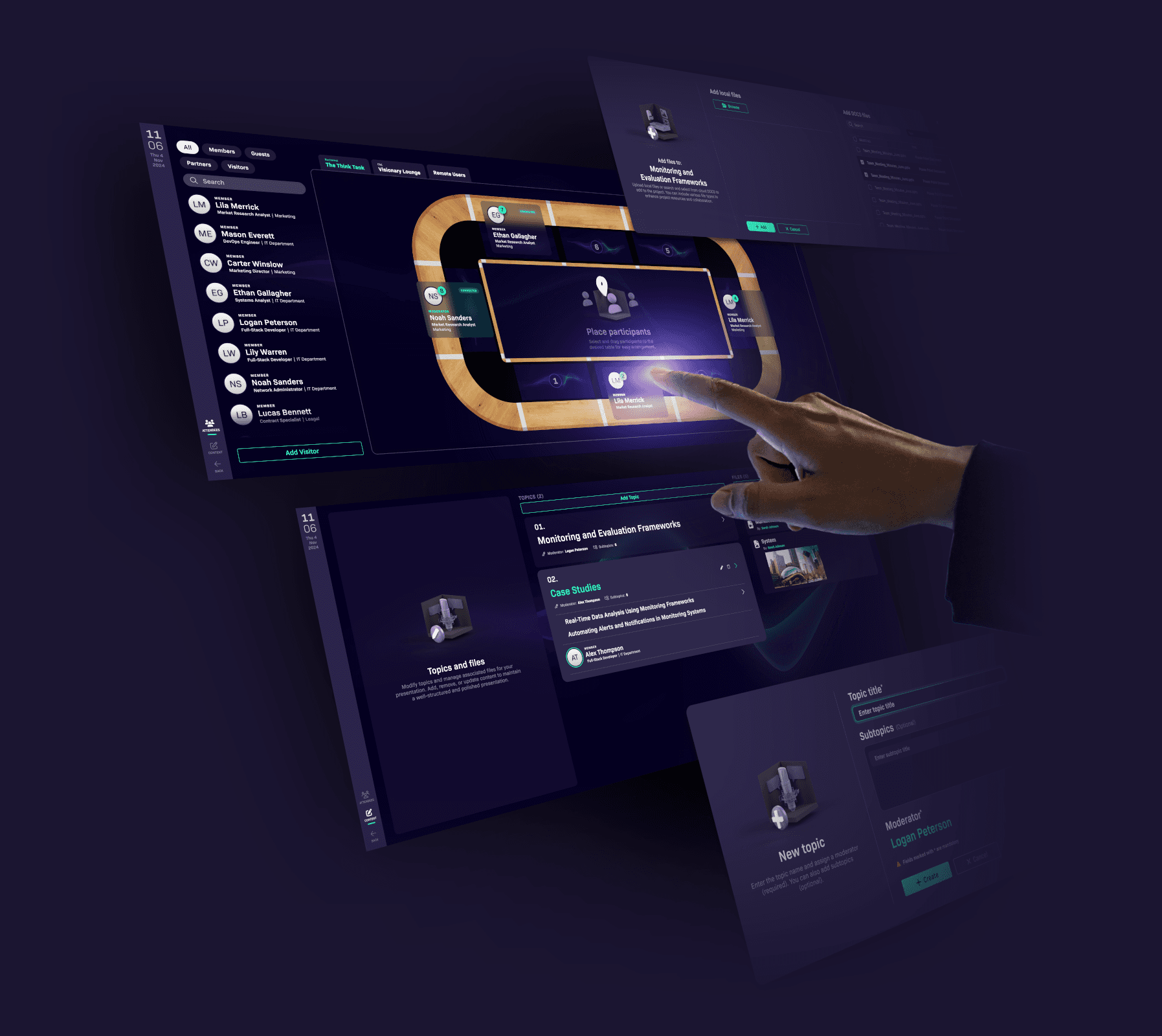
This dedicated workspace gives the presenter full control - starting from structured planning, all the way through live delivery.

The presenter’s workspace

The presenter’s workspace

The presenter’s workspace

Where structure meets control.


Presentations begin long before the first slide appears.

This dedicated workspace gives the presenter full control - starting from structured planning, all the way through live delivery.

Where structure meets control.


Presentations begin long before the first slide appears.

This dedicated workspace gives the presenter full control - starting from structured planning, all the way through live delivery.

Where structure meets control.


Presentations begin long before the first slide appears.

This dedicated workspace gives the presenter full control - starting from structured planning, all the way through live delivery.

list-tree

Structured presentations

Organize your content into topics and subtopics, for clarity and flow.

Reuse past presentations or edit them live.

Add files to any section and keep everything ready to present.

rocket-launch

Essential tools for presenters

The presenter can select and display documents from the structured presentation.

Actions like turning pages or playing videos are mirrored instantly on all participant screens, ensuring a unified experience.

users-line

Participant management

Easily manage attendees from the settings menu.

Add participants, assign seats in the room, and organize the conference table layout, making sure everyone is in the right place, both in person and online.

sliders

Audio & video
control

Control the conference environment.

Adjust sound, manage microphones, and start or stop cameras—all from one place.

Power conference stations on or off individually, or all at once.

Audio & video control

Control the conference environment.

Adjust sound, manage microphones, and start or stop cameras—all from one place.

Power conference stations on or off individually, or all at once.

Users-rectangle

Users-rectangle

Users-rectangle

Focused participant experience

Engaged from start to finish.

As the presenter speaks, each topic is brought to life with images, videos, and documents displayed on their own screen - clear, relevant, and always in sync.

It’s effortless to follow, easy to absorb, and built to keep attention exactly where it belongs.

Built-in applications

Participants and presenters alike can access them directly from their displays, to highlight key points, take notes, or reference information, without disrupting the flow of the presentation.

Notes

Write. Recognize. Share.

Take notes naturally using a pen or keyboard.

The app recognizes your handwriting and converts it into editable text, making it easy to capture key ideas during meetings or conferences.

When finished, send your notes by email to share important insights with others.

Sketch

Draw. Highlight. Annotate

This sketching application lets you draw freely over your screen, annotate open images, or highlight key points in documents.

Whether you’re explaining, marking up, or visualizing ideas, it gives you the tools to interact directly with what you see.

Smart chat

AI-powered. Private.

Developed specifically for conference use, this intelligent chat platform supports real-time messaging and includes an integrated AI assistant.

All communication is limited to the active session and automatically deleted afterward, maintaining both privacy and focus.

Calendar

Plan. Schedule. Stay Organized

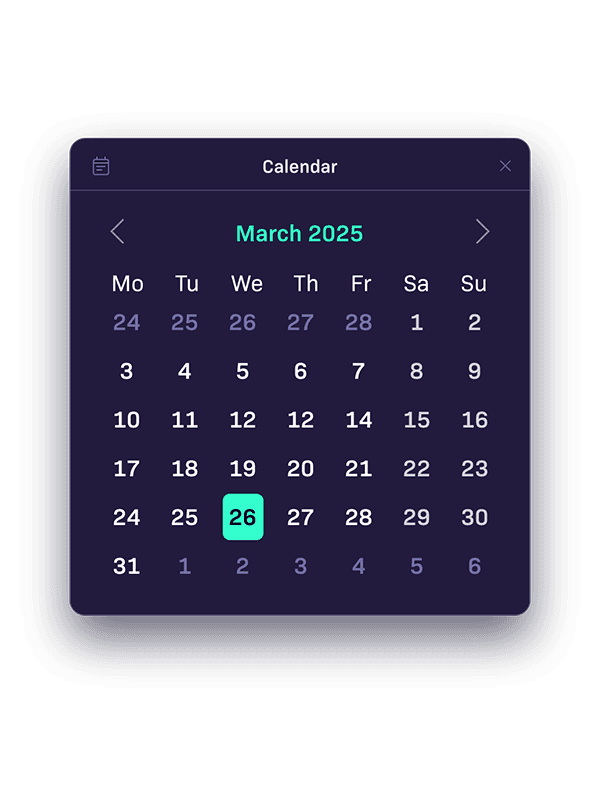
Easily manage your meetings, events, and deadlines in one place.

Whether you’re coordinating a conference or keeping track of your daily agenda, the calendar helps you stay on time and focused.

Currency

Convert. Compare.

Access real-time exchange rates and convert currencies with ease.

Whether you’re traveling, shopping online, or managing international finances, this app helps you stay informed and in control.

Calculator

Calculate. Solve. Focus.

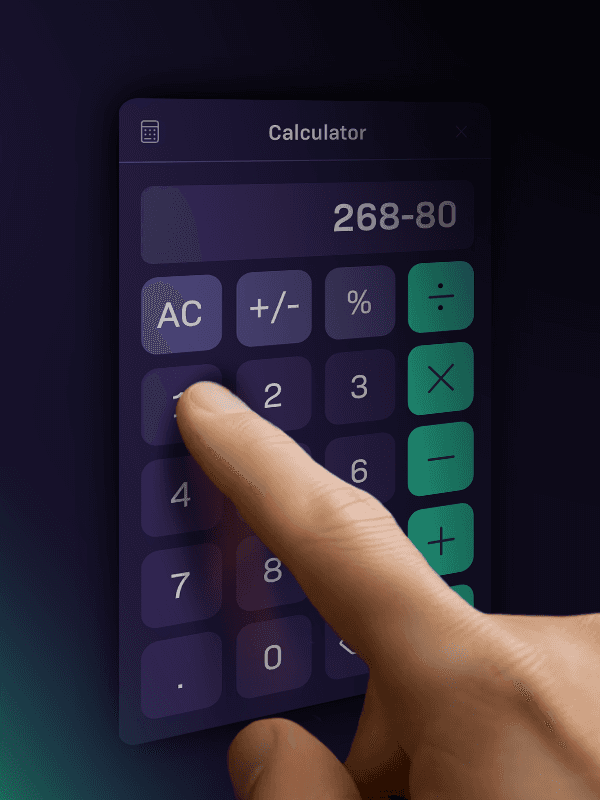
Need quick calculations during your conference?

Perform fast calculations, solve equations, and keep track of results.

Stay focused and efficient, whether you’re working through problems or collaborating with others.

Sketch

Draw. Highlight. Annotate

This sketching application lets you draw freely over your screen, annotate open images, or highlight key points in documents.

Whether you’re explaining, marking up, or visualizing ideas, it gives you the tools to interact directly with what you see.

Currency

Convert. Compare.

Access real-time exchange rates and convert currencies with ease.

Whether you’re traveling, shopping online, or managing international finances, this app helps you stay informed and in control.

Calendar

Plan. Schedule. Stay Organized

Easily manage your meetings, events, and deadlines in one place.

Whether you’re coordinating a conference or keeping track of your daily agenda, the calendar helps you stay on time and focused.

Smart chat

AI-powered. Private.

Developed specifically for conference use, this intelligent chat platform supports real-time messaging and includes an integrated AI assistant.

All communication is limited to the active session and automatically deleted afterward, maintaining both privacy and focus.

Notes

Write. Recognize. Share.

Take notes naturally using a pen or keyboard.

The app recognizes your handwriting and converts it into editable text, making it easy to capture key ideas during meetings or conferences.

When finished, send your notes by email to share important insights with others.

Calculator

Calculate. Solve. Focus.

Need quick calculations during your conference?

Perform fast calculations, solve equations, and keep track of results.

Stay focused and efficient, whether you’re working through problems or collaborating with others.

Sketch

Draw. Highlight. Annotate

This sketching application lets you draw freely over your screen, annotate open images, or highlight key points in documents.

Whether you’re explaining, marking up, or visualizing ideas, it gives you the tools to interact directly with what you see.

Currency

Convert. Compare.

Access real-time exchange rates and convert currencies with ease.

Whether you’re traveling, shopping online, or managing international finances, this app helps you stay informed and in control.

Calendar

Plan. Schedule. Stay Organized

Easily manage your meetings, events, and deadlines in one place.

Whether you’re coordinating a conference or keeping track of your daily agenda, the calendar helps you stay on time and focused.

Smart chat

AI-powered. Private.

Developed specifically for conference use, this intelligent chat platform supports real-time messaging and includes an integrated AI assistant.

All communication is limited to the active session and automatically deleted afterward, maintaining both privacy and focus.

Notes

Write. Recognize. Share.

Take notes naturally using a pen or keyboard.

The app recognizes your handwriting and converts it into editable text, making it easy to capture key ideas during meetings or conferences.

When finished, send your notes by email to share important insights with others.

Calculator

Calculate. Solve. Focus.

Need quick calculations during your conference?

Perform fast calculations, solve equations, and keep track of results.

Stay focused and efficient, whether you’re working through problems or collaborating with others.